SOP Template: Free, Complete, No Email Required (Word or Google Docs)

The template below is the whole thing. No email address, no download form, no “get the full version”. Copy it into Word or Google Docs and start.
This SOP template contains the nine standard sections in order, with the wording to use in each, followed by the four body layouts for the procedure section: simple steps, hierarchical steps, flowchart and checklist. It is the same layout an ISO 9001 or GMP auditor expects and the same one that works for a ten-person company that will never be audited.
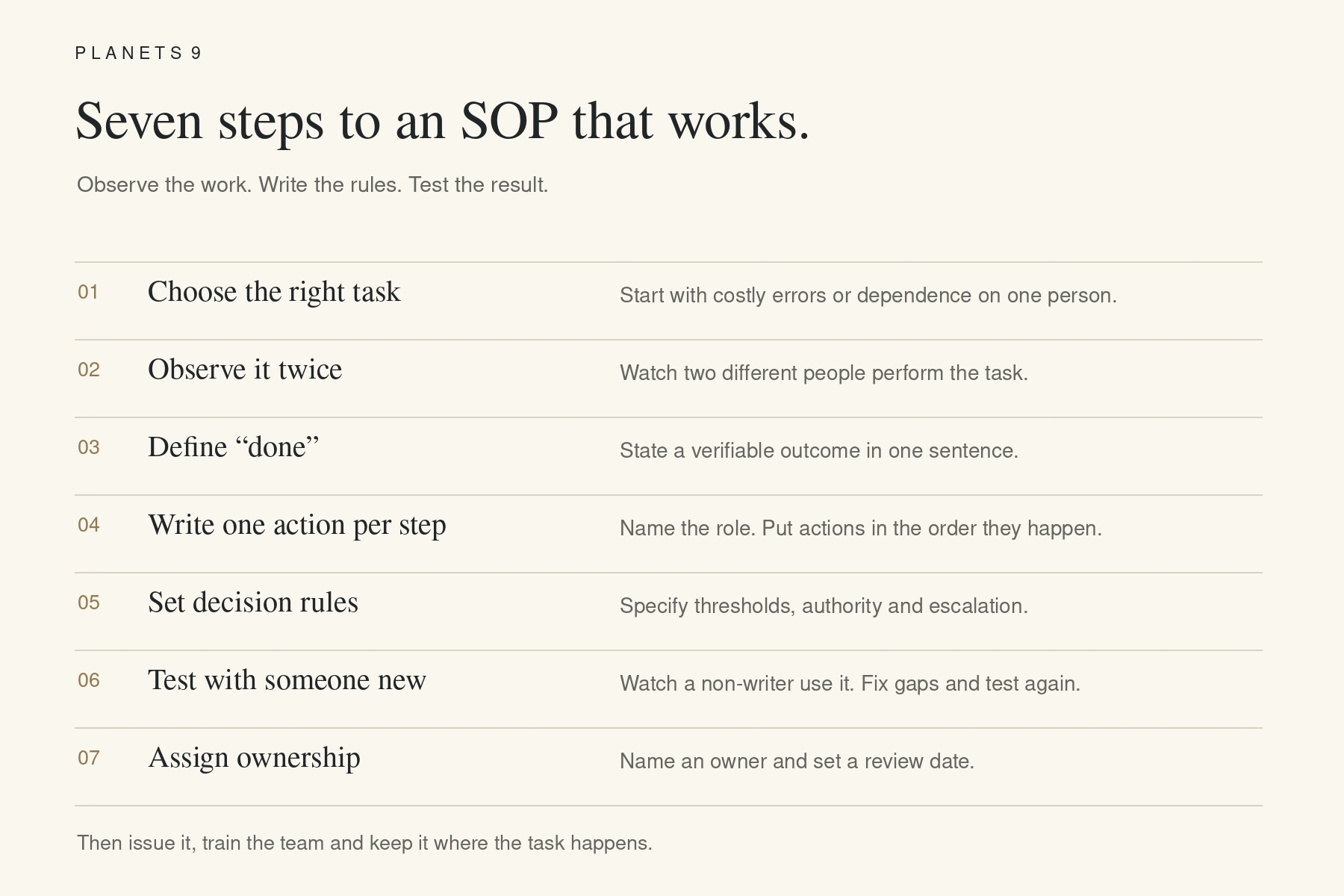
The SOP format page explains why each section exists. This page just gives you the document.
The template
Copy everything from the title block to the revision history. Text in square brackets is what you replace.
Title block
Document title: [Verb + object, e.g. Handling a Customer Complaint]
Document number: [DEPT]-SOP-[###], e.g. SER-SOP-001
Version: [1.0]
Effective date: [DD Month YYYY]
Prepared by: [Role and name]
Reviewed by: [Role and name]
Approved by: [Role and name]
Next review due: [DD Month YYYY]
1. Purpose
This procedure describes how [task] is carried out at [company or unit], to ensure that [the outcome, stated so it can be checked, e.g. every complaint is acknowledged within one working day and resolved within five].
2. Scope
This procedure applies to [which team, which situations, which locations]. It does not cover [exclusions], which are handled under [other document number].
3. Roles and responsibilities
[Role A] performs steps [x to y].
[Role B] checks [what] and approves [what, up to what limit].
[Role C] approves [what, above what limit] and is informed when [condition].
4. Definitions and abbreviations
[Term]: [definition as used in this procedure]
[Abbreviation]: [expansion]
5. Procedure
[Use one of the four layouts below.]
6. Records
[Record name, e.g. Complaint Register, Form SER-01] kept at [location or system], retained for [period], maintained by [role].
7. References
[Policy, standard, law, form or other SOP this procedure depends on, with number or version]
8. Revision history
Version 1.0 — [date] — First issue — Approved by [name]
Version [x.y] — [date] — [What changed in one line] — Approved by [name]
9. Appendices
Appendix A: [standard text, form, work instruction or diagram referenced in the procedure]
Procedure layout 1 — Simple step list
For linear tasks with no branching and under ten steps.
Step 1 — [Role] [does what], [where or with what], [within what time if relevant].
Step 2 — [Role] [does what].
Step 3 — [Role] [does what].
Step 4 — [Role] records [what] in [where].
Procedure layout 2 — Hierarchical steps
For linear tasks where some steps carry detail.
Step 1 — [Role] [main action].
Step 1a — [sub-action, one line].
Step 1b — [sub-action, one line].
Step 2 — [Role] [main action].
Step 2a — [sub-action].
Step 2b — [sub-action].
Step 3 — [Role] records [what] in [where].
Procedure layout 3 — Flowchart
For tasks that branch. Draw it on one page with boxes for actions and diamonds for decisions, and write the decision rules underneath so they survive when the diagram is printed badly.
Start: [trigger, e.g. complaint received].
Action: [first step].
Decision 1: [question, e.g. invoice value under ₹10,000?] — Yes: [action]. No: go to Decision 2.
Decision 2: [question] — Yes: [action]. No: [action].
End: [outcome recorded in what].
Procedure layout 4 — Checklist
For tasks where the steps are known and the risk is omission.
[Item to confirm, stated so it is either true or false]
[Item to confirm]
[Item to confirm]
[Item to confirm]
Completed by: [role, name, signature, date and time]
Countersigned by: [role, when required, e.g. above ₹1 lakh]
Filling the template: rules that make it work
Every step starts with a role and a verb. "Accounts Executive raises…", not "the invoice is raised".
One action per step. "And" means two steps.
Present tense, imperative. "Checks", "records", "sends". Not "should", "may" or "is expected to".
Every decision has a rule. If the honest rule is "ask the owner", write the threshold above which that is true and the authority below it.
Numbers for steps so they can be referred to in training and audits.
Header on every page: document number, version, page x of y.
Keep the master in Word or Google Docs; issue as PDF; one master location.
Templates for specific uses
The same nine sections serve every case. What changes is the emphasis.
ISO 9001 SOP template. Identical layout; the auditor will check that document number, version, approval names and revision history are present and that the records section names real evidence. The ISO 9001 SOP format spoke lists the clauses.
GMP or pharma SOP template. Identical layout plus a training record per SOP version, stricter change control (every revision approved by QA), and a "responsibility" column against each step.
SOP template in Word. Paste the sections above as Heading 2 and body text; put the title block in a two-column table at the top; add document number and version to the header; use Word's numbered list for steps. Save the master as .docx and issue as .pdf.
SOP template for a small business. Use the simple step list, keep it to one page, and skip section 4 if there are no ambiguous terms. Do not skip the roles, the records or the revision history; those three are what make it an SOP rather than a note.

Questions people ask about SOP templates
Is there a free SOP template?
The one above. Copy it into any document editor. It is complete; nothing is held back for a download.
What should an SOP template include?
Title block with document number and version, purpose, scope, roles, definitions, procedure, records, references and revision history. Appendices for forms and standard text.
What is the best format for an SOP, Word or Excel?
Word or Google Docs for the SOP itself. Excel is useful for the SOP register, the list of all SOPs with numbers, owners, versions and review dates, and for checklists that are completed digitally.
How do I number SOPs?
Department code, the letters SOP, a three-digit sequence: SAL-SOP-001, PUR-SOP-002. Keep an SOP register that lists every number so two documents never share one. Retire numbers; do not reuse them.
Can I use this template for ISO 9001?
Yes. It contains everything clause 7.5 of ISO 9001:2015 requires for control of documented information. The auditor will also want to see that the records named in section 6 exist and that the revision history is real.
Where to go deeper
SOP Format — why each section exists and how to choose the body layout.
How to Write an SOP — the seven steps for filling the template with content that is true.
SOP Examples — eight finished SOPs on this layout.
ISO 9001 SOP Format — what the auditor checks.
What Is an SOP? — the full guide.